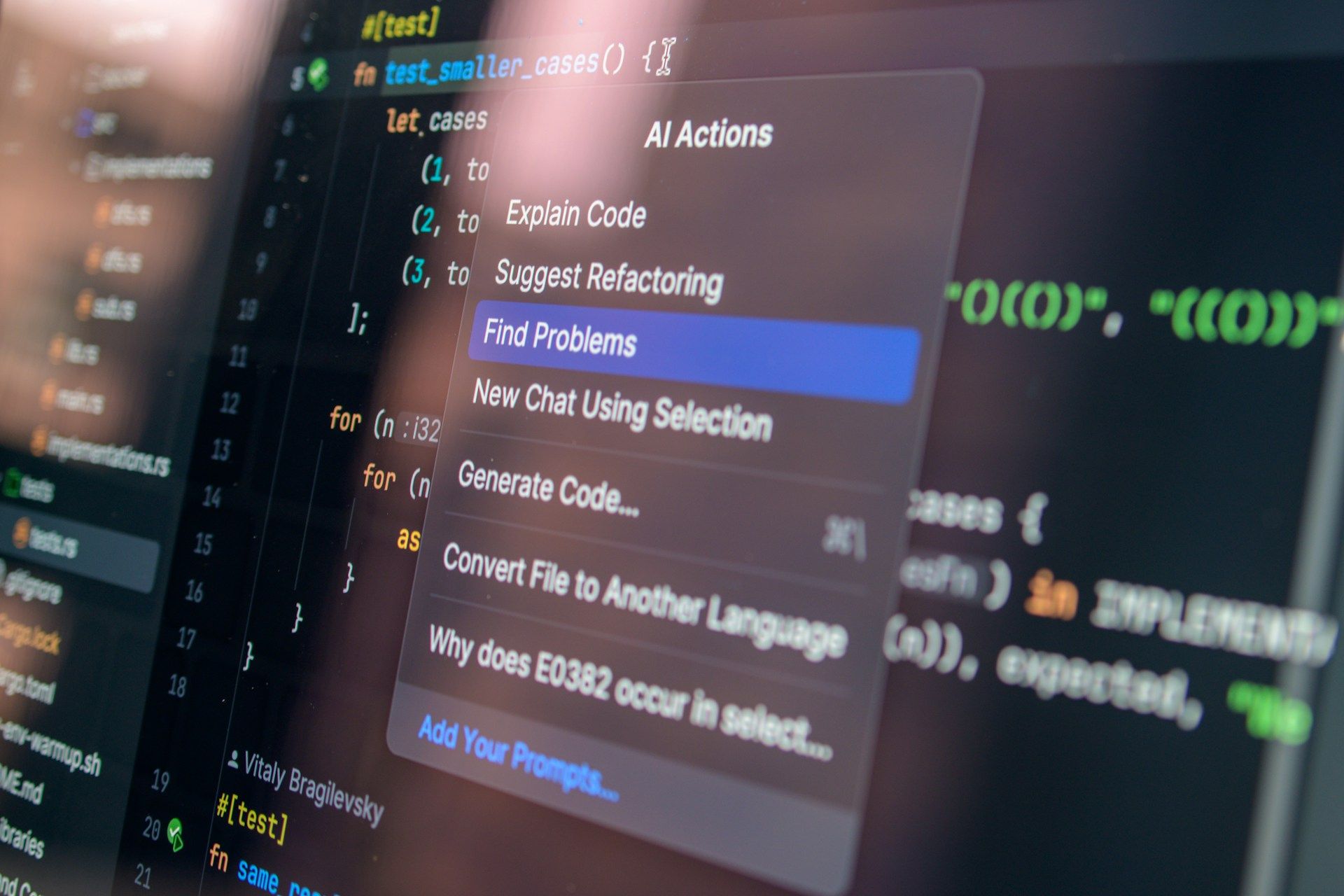
AI coding tools can now do much more than suggest code snippets. They can inspect repositories, modify multiple files, run commands, execute tests, and attempt to fix problems without requiring developers to guide every individual step.
But giving an AI model access to a codebase does not automatically make it a reliable software engineer. An agent can misunderstand a task, use the wrong tools, lose important context, introduce bugs, or continue working without correctly verifying its changes.
This is where harness engineering comes in.
Harness engineering focuses on designing the systems around an AI agent so it can perform tasks within a controlled environment, access the right information, use appropriate tools, and verify its work. Instead of relying entirely on better prompts or more capable models, developers improve the environment in which the agent operates.
As AI coding agents take on longer and more complex development tasks, harness engineering is becoming an important part of building reliable AI-assisted software workflows.
What Is Harness Engineering?
Harness engineering is the practice of designing and improving the tools, context, execution environment, feedback loops, and safeguards surrounding an AI agent.
In software development, an agent harness provides the infrastructure that allows a coding agent to interact with a codebase and carry out tasks. It determines what information the agent can access, which tools it can use, how it executes commands, and how its work is checked.
A harness may include:
- Context and instructions: Repository documentation, coding conventions, task requirements, and relevant project information.
- Tools and integrations: Terminal commands, code editors, Git, APIs, databases, and development utilities.
- Execution environment: A workspace or sandbox where the agent can inspect files, run code, and test changes.
- Feedback mechanisms: Test results, compiler errors, logs, static analysis, and code review feedback.
- Guardrails and permissions: Rules that limit access, control potentially destructive actions, and require approval when necessary.
- Orchestration: The logic that manages the agent's execution loop, tool calls, task state, and recovery from failures.
These components work together to help an agent move from generating a possible solution to producing a result that can be evaluated.
A useful mental model is:
Reliable AI agent = capable model + well-designed harness + effective verification.
The model provides reasoning and generation capabilities. The harness gives it the environment and mechanisms needed to act. Verification helps establish whether the result meets the required standards.
A better model can help, but it cannot compensate for every weakness in the surrounding system.
Why Does Harness Engineering Matter?
AI coding agents can generate code quickly, but software engineering involves more than producing code that looks correct.
A change may compile successfully while breaking an existing feature. An agent may implement the requested functionality but ignore a security requirement. It may also repeat an unsuccessful approach because it cannot interpret the feedback from a failed test.
Harness engineering addresses these problems by making the development environment more understandable, the constraints more explicit, and the results easier to verify.
More Reliable AI-Generated Code
A coding agent needs access to meaningful feedback to identify mistakes.
For example, an agent that can only edit files may produce a change without knowing whether the application still builds. An agent connected to the project's test suite can run relevant tests, inspect failures, and attempt corrections.
Automated checks do not eliminate every defect, but they provide stronger evidence than relying on the model's own explanation that its code is correct.
Better Use of Context
Large codebases contain architecture decisions, business rules, naming conventions, dependencies, and implementation details that may not fit into an agent's active context at once.
A well-designed harness helps the agent discover the information relevant to its task without overwhelming it with unnecessary instructions.
This may involve structured documentation, repository maps, targeted context retrieval, and clear references to authoritative sources.
Safer Tool Use
Coding agents can interact with terminals, files, external services, and other development tools. These capabilities make them more useful, but they also introduce risks.
A harness can restrict access to sensitive files, isolate code execution, control network permissions, and require human approval before consequential actions.
These boundaries are particularly important when an agent can modify shared resources, access production systems, or handle confidential information.
More Effective Long-Running Tasks
A short code-generation request may require only a prompt and a response. A larger engineering task can involve multiple steps, tool calls, test runs, and corrections.
The harness helps manage this process by maintaining task state, exposing progress, handling failures, and defining when the agent should continue, stop, or request assistance.
This makes it easier to support multi-step workflows without assuming that an agent will always make the right decision independently.
How Does Harness Engineering Work?
Harness engineering typically involves a combination of preparation, execution, feedback, and verification.
1. Prepare the Agent's Context
Before an agent starts working, it needs to understand the task and the relevant parts of the codebase.
This can include a concise task description, repository instructions, architecture documentation, acceptance criteria, and links to relevant implementation files.
For example, a project might provide an AGENTS.md file that explains repository conventions and points the agent to more detailed documentation.
The goal is not to give the agent every piece of information upfront. It is to make the right information discoverable when needed.
2. Provide the Right Tools
The harness defines which tools the agent can use and how those tools interact with the development environment.
A coding agent might need access to:
- A terminal for running commands.
- Git for inspecting changes and working with branches.
- A test runner for validating behaviour.
- A linter and formatter for checking code quality.
- Browser automation for testing application interfaces.
- Logs and monitoring tools for investigating runtime issues.
Tool access should be based on the task. An agent implementing a frontend component may need a browser and test environment, while an agent analysing a database migration may need schema information and migration checks.
3. Execute the Task Within Defined Boundaries
The agent inspects the relevant code, determines what changes are needed, and uses the available tools to implement the solution.
The harness controls the environment in which these actions take place.
For example, a task may run in an isolated workspace with access to a development database rather than production data. The agent may be allowed to create a pull request but require human approval before merging it.
These boundaries allow the agent to perform useful work while limiting the consequences of mistakes.
4. Collect Feedback From the Environment
Once the agent makes changes, the harness can run checks and return the results.
Feedback might include:
- Compilation or build errors.
- Failed unit or integration tests.
- Linting violations.
- Type-checking errors.
- Security scan findings.
- Browser test failures.
- Runtime logs and performance measurements.
The agent can use this information to investigate problems and make further changes.
This creates a feedback loop in which the agent's work is evaluated by tools and tests rather than by the model alone.
5. Verify the Final Result
Before a task is considered complete, the harness should evaluate whether the changes satisfy the defined acceptance criteria.
Passing tests is useful evidence, but it does not prove that the feature meets every requirement. Tests may be incomplete, and some problems require human judgement.
The completion process can therefore include automated checks, a review of the resulting changes, and human approval for sensitive or high-impact operations.
A well-designed harness defines what success means before the agent starts working.
Key Components of an AI Agent Harness
Harness engineering is not a single tool or framework. It is a combination of components that support different aspects of an agent's work.
Context Management
Context management determines what the agent knows about the task, repository, and surrounding environment.
Useful approaches include structured documentation, repository maps, targeted file retrieval, and clear task plans. Large instruction files should be avoided when they obscure the information most relevant to the current task.
Context also needs to remain accurate. Outdated documentation can lead an agent toward incorrect assumptions even when the instructions are clearly written.
Tool Integration
Tools allow an agent to move beyond generating text and interact with the development environment.
Integrations may expose Git operations, shell commands, test runners, issue trackers, documentation, or external APIs. Protocols such as the Model Context Protocol (MCP) can also provide a standardised way to connect AI applications with external tools and data sources.
The harness should define which tools are available, what each tool can do, and how tool failures are handled.
Execution and Isolation
An execution environment gives the agent a place to inspect files, run commands, and test changes.
Depending on the workflow, this might be a local workspace, container, virtual machine, or remote sandbox.
Isolation helps prevent one task from interfering with another and limits the impact of unintended actions. The appropriate level depends on the agent's permissions, the sensitivity of the codebase, and the resources it can access.
Automated Verification
Verification mechanisms help determine whether the agent's changes meet defined requirements.
Common examples include unit tests, integration tests, end-to-end tests, static analysis, type checking, and security scanning.
The quality of the harness depends partly on the quality of these checks. If important behaviour is not covered by tests or the checks do not detect relevant failures, the agent may receive misleading feedback.
Permissions and Guardrails
Guardrails define the boundaries within which the agent can operate.
Examples include restricting file access, preventing unauthorised network requests, requiring approval for deployments, and blocking destructive commands in sensitive environments.
Guardrails should be enforced by the system rather than relying only on written instructions. A prompt that tells an agent not to perform a risky action is not equivalent to a technical control that prevents it.
Observability and Recovery
Long-running agents need ways to expose their progress and recover when something goes wrong.
Logs, execution traces, task state, and tool-call records can help developers understand why an agent failed or became stuck.
Recovery mechanisms may include retry limits, timeouts, checkpoints, and escalation to a human when the agent cannot proceed safely.
These capabilities are especially important when the agent performs multiple operations before producing its final result.
Common Harness Engineering Mistakes
Relying on Prompts Alone
Detailed instructions can improve behaviour, but they cannot guarantee that an agent will follow every rule.
Critical constraints should be backed by technical enforcement, automated checks, and restricted permissions wherever practical.
Giving the Agent Too Much Context
Loading large amounts of documentation into every task can make relevant information harder to identify and consume valuable context.
Provide a concise starting point and let the agent retrieve detailed information as needed.
Trusting Test Results Without Reviewing Test Coverage
A passing test suite does not guarantee that all important behaviours are correct. Tests may overlook edge cases, security concerns, or unexpected interactions with existing features.
Use tests alongside appropriate code review, integration checks, and acceptance criteria.
Granting Excessive Permissions
An agent with unnecessary access can make mistakes that affect unrelated files, systems, or data.
Use least-privilege access, isolated environments, and approval gates for consequential actions.
Ignoring Maintenance
Documentation becomes outdated, dependencies change, and test suites can become unreliable. A harness that once worked well may gradually lose effectiveness.
Treat harness maintenance as ongoing engineering work. Review failing checks, outdated instructions, repeated errors, and unnecessary complexity regularly.
How Do You Measure Harness Engineering Success?
The goal of harness engineering is not to maximise the volume of AI-generated code. It is to help agents complete useful tasks reliably while reducing unnecessary human effort and controlling risk.
Teams can evaluate their harness using metrics such as:
- Task completion rate: The percentage of tasks completed according to predefined acceptance criteria.
- First-pass success rate: How often an agent completes a task without requiring additional correction cycles.
- Defect rate: The number of defects introduced by agent-assisted changes.
- Human intervention rate: How often a person needs to unblock, correct, or take over a task.
- Verification effectiveness: How often automated checks detect meaningful problems before changes are merged.
- Cycle time: The time from task assignment to a verified result.
- Cost per successful task: The combined cost of model usage, infrastructure, verification, and human review.
Metrics should be interpreted together. A high completion rate is not meaningful if the system produces unsafe changes, while a fast workflow may not be valuable if it creates substantial rework.
The best harness improves reliability and useful throughput without simply shifting more debugging and review work to developers.
The Future of Harness Engineering
As AI coding agents take on longer-running tasks, engineering teams will need to pay more attention to the systems that make those agents effective.
This includes better context management, more useful feedback mechanisms, stronger verification, controlled tool access, and clearer ways to observe agent behaviour. It also means adapting development workflows so that agents can work independently where appropriate while escalating decisions that require human judgement.
Harness engineering does not eliminate the need for skilled software engineers. It changes where their expertise can have the greatest impact. Instead of manually handling every implementation step, developers can spend more time designing the environment, defining quality standards, evaluating results, and improving the systems that agents use.
The discipline is still developing, and the right architecture will vary by task, codebase, and risk level. However, one principle remains useful: the reliability of an AI coding workflow depends not only on the model, but also on the quality of the system surrounding it.
Frequently Asked Questions
What is harness engineering in AI?
Harness engineering is the practice of designing the context, tools, execution environment, guardrails, and feedback mechanisms around an AI agent. It helps the agent perform tasks within defined boundaries and provides ways to evaluate and correct its work.
Why is harness engineering important for AI coding agents?
AI coding agents can make mistakes even when they use capable models. A well-designed harness provides access to relevant project information, supports tool use, runs automated checks, and limits risky actions. These mechanisms can improve reliability and reduce unnecessary manual intervention.
Is harness engineering the same as prompt engineering?
No. Prompt engineering focuses on instructions given to a model. Harness engineering includes a wider system of tools, context, execution, permissions, feedback loops, and verification. Prompts are one possible component of a harness.
What tools are used in harness engineering?
Depending on the workflow, a harness may use Git, terminal environments, automated test runners, linters, static analysis, browser automation, logging systems, sandboxing, and integrations with external tools. The appropriate set depends on what the agent needs to accomplish.
Does harness engineering require a custom AI model?
No. Harness engineering can be applied to existing AI models and coding agents. The work focuses on the surrounding system and how the model interacts with its environment, although model selection still affects performance.
How is harness engineering different from spec-driven development?
Spec-driven development uses explicit specifications to define what software should do. Harness engineering builds the environment and feedback mechanisms that help an agent implement and verify the requirements. The two approaches can be used together.
Can harness engineering make AI-generated code error-free?
No. Automated tests, guardrails, and feedback loops can reduce certain errors and make failures easier to detect, but they cannot guarantee correctness. Test coverage, system design, security controls, and human review remain important.
Build More Reliable AI-Assisted Development Workflows
AI coding agents can accelerate software development, but the benefits depend on more than the model's ability to generate code. Teams also need an environment that provides the right context, enables controlled tool use, and verifies the results.
Harness engineering offers a practical way to build that foundation. By improving repository documentation, execution environments, automated checks, permissions, and feedback loops, teams can make AI-assisted workflows more predictable and easier to maintain.
For businesses exploring AI-augmented engineering, the opportunity is to combine capable AI tools with sound software engineering practices rather than treating generated code as automatically production-ready.
Learn more about Tech for Hire's AI-Augmented Engineers to explore how AI-assisted development can fit into modern engineering workflows.